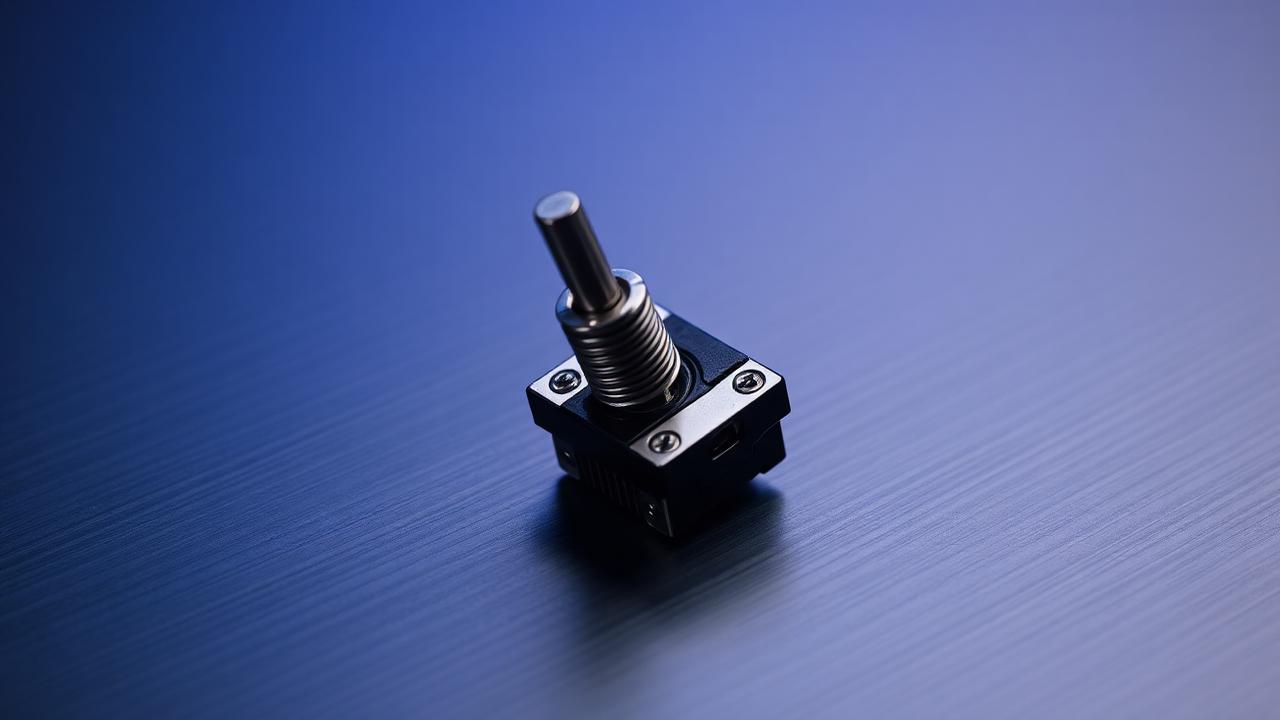
Six parts, one sensation
A mechanical switch looks trivial from the outside: a small plastic box with a cross-shaped stem sticking out of it. Open one and you find six parts that each contribute measurably to what your finger reports back to your brain. Those parts are the top housing, the bottom housing, the stem, the spring, the metal leaf, and the two copper pins that carry the signal to the PCB. Every characteristic that enthusiasts argue about — bottom-out sharpness, wobble, the pitch of the click, the smoothness of the downstroke — is produced by the interaction of those six pieces, not by the brand name printed on the top.
Understanding the parts individually is what turns switch shopping from guesswork into engineering. When you know that stem length changes total travel and that the leaf shape decides where actuation happens, you can read a spec sheet and predict how a switch will behave before you spend money on it. That is the whole purpose of this breakdown: to give you a mental model detailed enough that any switch you encounter becomes a set of known variables rather than a mystery.
The stem: travel, wobble and tactility
The stem is the single most influential part. Its cross mount holds the keycap, its length sets how far the key can descend, and its side rails ride against the housing walls to determine wobble. On a linear switch the stem's side profile is a straight, uninterrupted slope; on a tactile switch it carries a bump, a small ramp that pushes the leaf outward and creates the resistance you feel partway through the stroke. Move that bump higher on the stem and the tactility arrives earlier in the stroke; make it steeper and the tactile event becomes sharper rather than rounded.
Material matters as much as geometry. POM stems are self-lubricating and produce a deeper, quieter sound signature. Nylon stems are slightly softer and dampen high frequencies. UHMWPE, when a manufacturer uses it, is exceptionally slippery but tends to sound muted. A stem that is a fraction of a millimetre narrower than its housing slot will wobble noticeably once a tall keycap profile amplifies the movement, which is why the same switch can feel loose under SA caps and perfectly stable under a low XDA set.
Springs and the force curve
The spring supplies almost all of the resistance you feel and all of the return force that resets the key. Its behaviour follows Hooke's law: force rises proportionally to compression, governed by a rate expressed in grams-force per millimetre. A switch advertised as 62 g does not push back with 62 g for the whole stroke — that figure is normally the bottom-out force, while the actuation force partway down might be closer to 45 g. This gap is why two switches with identical advertised weights can feel completely different in use.
Spring construction changes the shape of the curve. A standard single-stage spring produces a straight line. A progressive spring has variable coil spacing, so resistance ramps up steeply near the bottom, which discourages hard bottom-outs and suits typists who want a cushioned landing. A slow spring uses a long, lightly wound design that gives an unusually gentle return. Longer springs of 18 mm or 22 mm are preloaded inside the housing, so they start with meaningful force at the very top of the stroke, eliminating the vague dead zone that short springs sometimes have.
Housings, leaf and sound
The housing is the resonating chamber. Polycarbonate tops are hard and reflective, producing a bright, clacky signature that pairs well with poly-carbonate plates and thin cases. Nylon absorbs more energy and sounds warmer and rounder. Many popular switches mix the two — a nylon bottom for a deep bottom-out and a polycarbonate top for a crisp upstroke — which is a deliberate acoustic design choice rather than a manufacturing accident.
The metal leaf is the electrical contact and, on clicky switches, part of the noise-making mechanism. In a click-bar switch the leaf strikes a separate bar; in a click-jacket switch a sliding sleeve on the stem snaps against the housing. On linear and tactile switches the leaf simply closes the circuit, and its stiffness subtly influences the force curve. Bottom housings also differ in how they support the spring: a raised centre pole shortens effective travel and creates a firmer bottom-out, while extended stem poles from the factory reduce the hollow space that generates a plasticky rattle.
Turning anatomy into buying decisions
Once the parts are clear, spec sheets become readable. A switch listed with a 3.4 mm total travel, a 2.0 mm actuation point, a 50 g bottom-out and a POM stem in a nylon housing tells you almost everything: short travel means a quick reset for gaming, a high actuation point means light typists will trigger it easily, the low bottom-out means long sessions will be comfortable, and the material pairing predicts a deep, muted sound.
The practical workflow is to decide on feel first, sound second, and brand last. Pick linear, tactile or clicky based on how you type. Pick a weight by comparing it against a switch you already own rather than against an abstract number. Then choose materials for the sound profile you want in your specific case. Our switch parameter database lists the measured values for common switches side by side, and the actuation calculator converts those numbers into travel distances you can actually visualise before ordering ninety of anything.