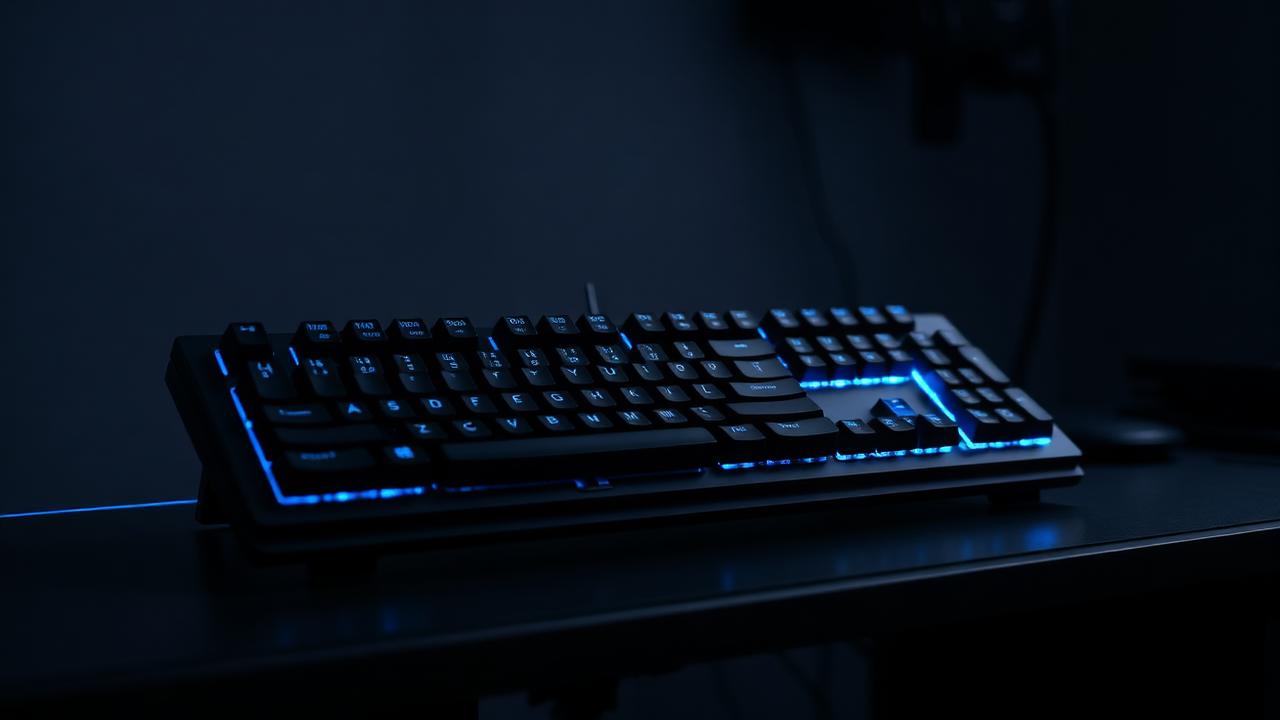
The three angles of a wrist
Discomfort from typing almost always traces back to one of three joint positions. Extension is the upward bend of the wrist when the back of the keyboard sits higher than the front. Ulnar deviation is the sideways bend when your hands angle outward to reach a keyboard narrower than your shoulders. Pronation is the rotation that flattens your palms downward against the desk. Sustained loading in any of these positions is what turns eight hours of typing into an ache.
The good news is that all three are addressable with layout and geometry rather than expensive accessories. Extension responds to typing angle and keyboard height. Ulnar deviation responds to layout width and split designs. Pronation responds to tenting. Getting these approximately right removes most of the strain that wrist rests and braces are sold to compensate for.
Typing angle: lower is usually better
Nearly every keyboard ships with flip-out feet that raise the back, and nearly every ergonomics study suggests this is the wrong direction. Raising the back forces wrist extension. A flat board is better; a board with a slight negative tilt, front edge higher than the back, is better still, which is why so many ergonomic desk trays are designed to angle away from the user.
Custom cases typically have a built-in typing angle between three and eight degrees. Combined with keycap profile sculpt, the effective angle at your fingertips can be several degrees higher than the case specification suggests, because a tall sculpted profile like SA adds its own rise. If you are prone to wrist discomfort, prefer a case at the lower end of that range and a low profile such as Cherry or DSA. Our ergonomics calculator combines case angle, case height and keycap profile into a single effective wrist extension figure so you can compare candidate builds on equal terms.
Height, wrist rests and desk setup
The front lip height of a custom keyboard commonly ranges from fifteen to thirty millimetres. Anything above about twenty-five millimetres benefits from a wrist rest of matching height, and here is the crucial detail: a wrist rest is for resting between bursts of typing, not for pressing into while typing. Anchoring the wrist and reaching with the fingers increases strain on the tendons rather than reducing it. Hover while typing, rest while thinking.
Desk and chair height matter more than the keyboard. Elbows should sit at roughly ninety to one hundred and ten degrees with shoulders relaxed and forearms approximately parallel to the floor. If your desk is too high — which it usually is, since most fixed desks are built for writing rather than typing — no keyboard modification will fix the resulting shoulder elevation. Lower the desk or raise the chair and add a footrest.
Switch weight and finger load
Every keystroke requires work, and over a day of heavy typing that adds up to a surprising total. A typist producing sixty words per minute for four hours makes around seventy thousand keystrokes; at 60 g bottom-out that is a considerable cumulative load on small muscles. Dropping to 45 g springs reduces it by a quarter without any perceptible loss of control for most people.
Lighter is not universally better, though. Springs below about 40 g cause accidental actuation for heavy-handed typists, and the mental effort of avoiding typos can be more tiring than the extra grams. The useful goal is to find the lightest weight at which your error rate stays flat. Because springs cost very little, buying three weights and testing each for a week is cheap and far more reliable than reasoning about it in the abstract.
Habits beat hardware
No keyboard prevents injury from continuous typing without breaks. The most effective intervention available is a short pause roughly every thirty minutes: stand, drop your arms, and open and close your hands a few times. Thirty seconds is sufficient to restore circulation and reset posture. This costs nothing and outperforms any accessory on the market.
Beyond that, the ranked priorities are: correct desk and chair height, flat or negative keyboard tilt, a layout narrow enough to keep your mouse near your shoulder line, a low keycap profile, and lighter springs. Work down that list in order. Most people who buy a split ergonomic board while still typing at a desk that is five centimetres too high would have gained more from adjusting the desk.
If discomfort persists after addressing all of these, treat it as a medical question rather than a purchasing one. Persistent numbness, tingling or pain that continues outside of typing sessions warrants a professional assessment; no keyboard, wrist rest or switch weight substitutes for that. The hobby has a tendency to frame every problem as solvable with another component order, and for genuine repetitive strain symptoms that framing delays the one intervention that actually helps, which is changing how much and how continuously you type.
A final small win: alternate your input devices. Moving the mouse to the left hand for a week, adding a trackball, or learning a handful of keyboard shortcuts that replace repetitive mouse work all spread load across different muscle groups. Variation is the cheapest ergonomic intervention available and the one most consistently supported by occupational health guidance.