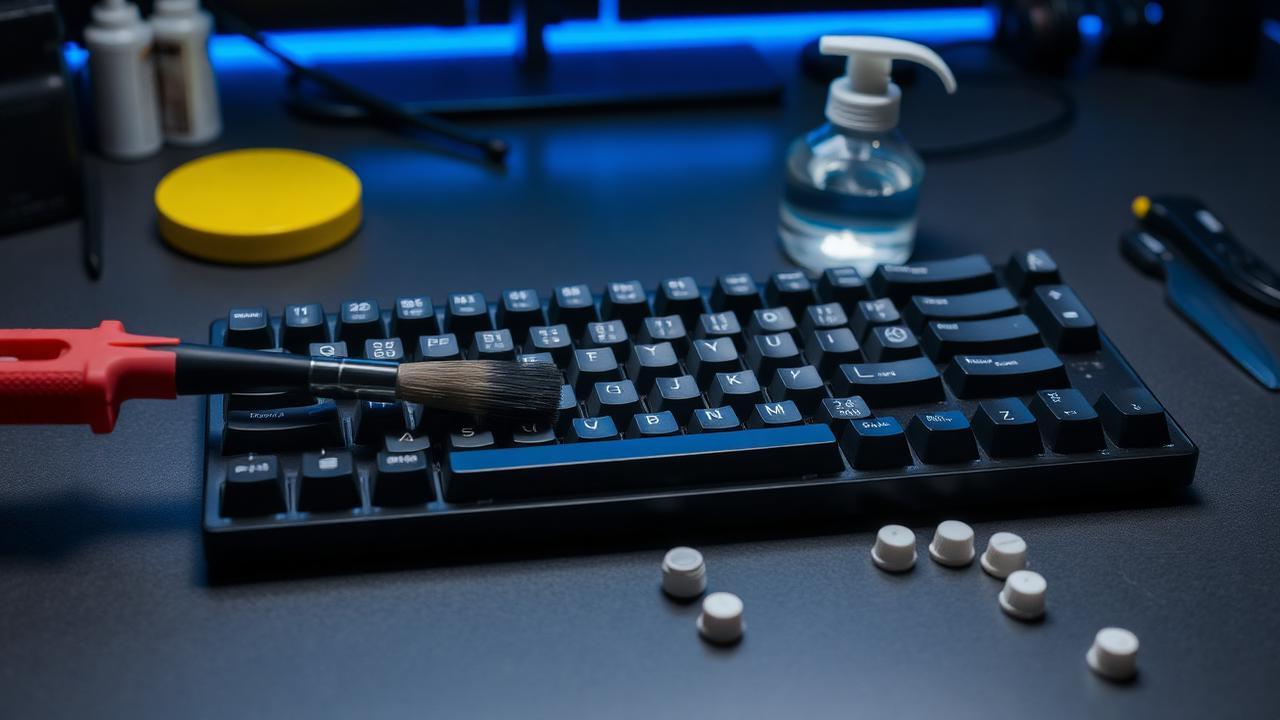
What actually degrades over time
Three things change on a keyboard with use. Lubricant migrates and thins, so switches gradually become scratchier and stabilizers begin to tick again. Debris accumulates — skin cells, crumbs, hair and dust settle between keycaps, work down into switch housings, and eventually interfere with stem travel. And contact surfaces oxidise or wear, which is the slow path toward chatter on switches that have seen tens of millions of presses.
None of this happens quickly, and none of it requires the elaborate rituals people post online. A realistic schedule is a surface clean monthly, a keycap wash every six months, stabilizer service annually, and a full switch service every two to three years or whenever the feel has clearly deteriorated. Boards used for eight hours a day in a dusty room need more; boards used lightly in a clean office need less.
The monthly surface clean
Unplug the board first. Turn it upside down over a bin and shake gently — this removes more debris than any tool. Then work between the keycaps with a stiff, dry brush, sweeping toward the front edge. Compressed air is popular but pushes debris deeper into housings as often as it removes it; if you use it, angle the nozzle across the board rather than straight down into the switches.
Wipe the keycap tops with a lightly dampened microfibre cloth and let them dry. Water is sufficient for skin oil. Avoid solvents on the caps at this stage, since repeated alcohol contact can dull the surface of some ABS sets and attack UV-printed legends. Clean the case with the same cloth, and check the cable connector for lint while you are there — an intermittent connection is frequently just a dirty port.
Washing keycaps properly
Pull the caps with a wire puller, not a plastic ring puller, which scratches the sides. Photograph the layout first — reassembly from memory is where mistakes happen. Place the caps in a bowl of warm water with a few drops of washing-up liquid and leave them for twenty minutes, agitating occasionally. Stubborn grime responds to a soft toothbrush. Rinse thoroughly and lay them face down on a towel for a full day.
Do not use hot water above about forty degrees, which can warp thin ABS. Do not put keycaps in a dishwasher; the temperature and detergent will damage legends. Do not soak artisan caps or anything with an unknown coating. And make absolutely sure the caps are dry inside the stem before refitting, because trapped water will sit against the switch stem and cause corrosion over time.
Stabilizers and switches
Stabilizers are the first thing to degrade audibly, usually within a year. The grease on the wire ends thins and migrates, and the tick returns. Servicing them means pulling the large keycaps, removing the stabilizer stems, cleaning off old lubricant with a dry cloth, and reapplying thick dielectric grease to the wire ends and a thin coat inside the housing. This is a thirty-minute job on a full-size board and restores the original feel completely.
Switches need attention far less often. Signs it is time are audible scratchiness returning, a noticeably heavier or grittier press, or visible dust inside the housing. On a hot-swap board you can pull a single suspect switch and inspect it without disturbing anything else. Relubing is the same process as the original job — our lube quantity estimator tells you how much product a given switch count needs so you do not buy a second tub unnecessarily.
Liquid spills and long-term storage
If you spill liquid, unplug immediately and do not press keys. Turn the board upside down to drain, remove keycaps, and if the liquid was anything other than plain water, disassemble far enough to rinse the PCB with high-purity isopropyl alcohol. Sugary drinks are the dangerous case because the residue stays conductive and corrosive after drying. Let everything dry for at least forty-eight hours before applying power — impatience here is what kills controllers, not the spill itself.
For storage, keep the board in a case or under a dust cover, away from direct sunlight which yellows ABS and fades dyes. If a board will be unused for months, store it at room temperature and low humidity, and if it has a lithium battery, charge it to roughly half rather than full or empty. On return to service, inspect for corrosion at the connector and run every key through a tester before assuming everything survived.
Build maintenance into how you assemble in the first place. Note the plate material, foam layers, spring weights and lubricants you used on a card kept in the case box or a file on your computer. Two years later, when the board needs service, that record tells you exactly which grease to buy and how much, which springs to reorder, and what the board sounded like when you were happy with it. Without it you will be reverse-engineering your own work from memory, which is how people end up rebuilding a board and quietly wondering why the result no longer feels like the one they remembered.