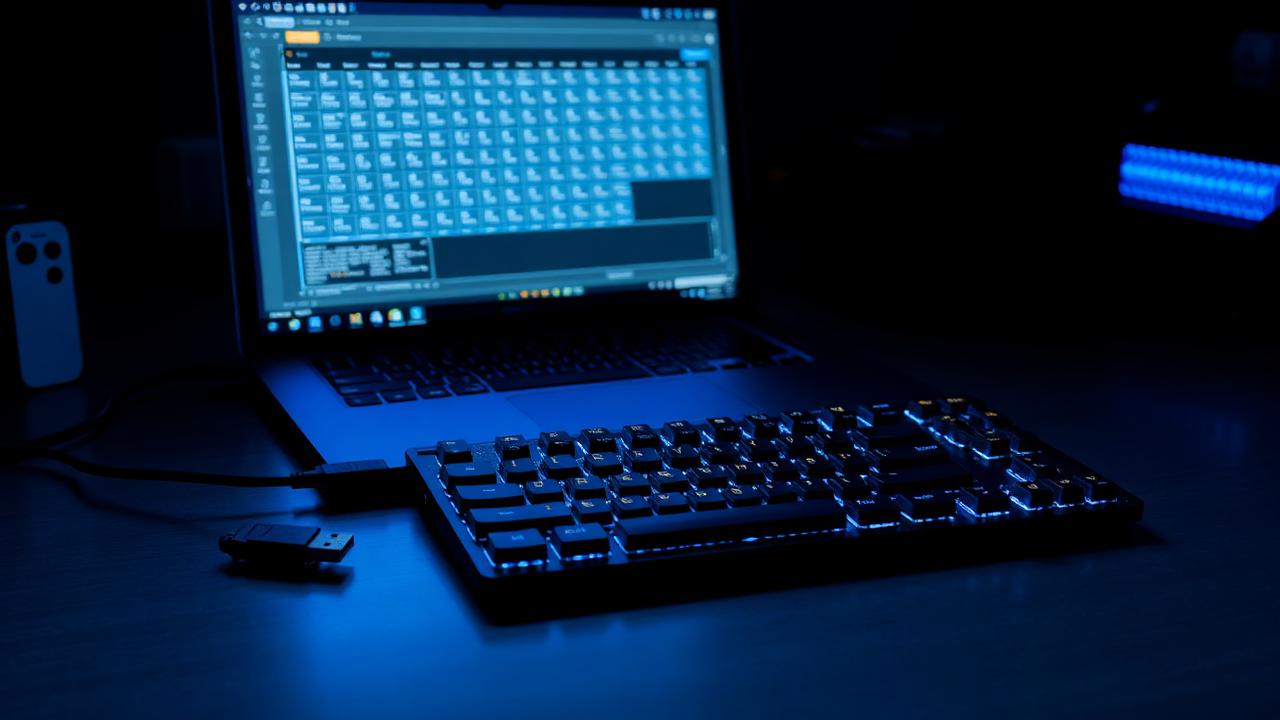
What the firmware is doing
Every custom keyboard contains a microcontroller running a small program that scans the switch matrix thousands of times per second, debounces the raw electrical signal, translates each detected press into a keycode, and sends it over USB as a standard HID report. That program is the firmware. The operating system never sees your switches or your layout; it sees keycodes, which is precisely why a keyboard can present any key in any position without the computer needing drivers or configuration.
This indirection is the whole point. A sixty-percent board has no dedicated arrow keys, but firmware can make the right-hand cluster produce arrows while a modifier is held, and the computer cannot tell the difference from a full-size board. Understanding that the physical key and the transmitted keycode are separate things is the single mental shift that makes small layouts stop feeling like compromises.
QMK, VIA and the others
QMK is the open-source firmware most enthusiast boards run. Its full power requires compiling C source, which means installing a toolchain, editing a keymap file, building, and flashing the resulting binary. That is more friction than most people want, so VIA and its successor Remap exist: they are QMK builds that expose the keymap over a live protocol, letting a web app rewrite your layout instantly with no compiling and no reflashing. Changes take effect the moment you click.
Practically, use VIA if your board supports it. It handles layers, macros, tap-dance basics, and lighting for the overwhelming majority of users. Drop to compiled QMK only when you need something VIA cannot express — combos, complex tap-hold timing, custom OLED output, or per-key debounce tuning. ZMK is the wireless-focused equivalent and configures through a repository file rather than a live app, which is the main practical difference when buying a wireless kit.
Layers, the core concept
A layer is an alternative keymap that activates while a condition holds. Layer zero is your base. Holding a designated key momentarily activates layer one, where the same physical keys send different codes. This is how a sixty-percent board provides function keys, arrows, media control and navigation without extra hardware. Most people need exactly two extra layers: one for navigation and symbols, one for function keys and rarely-used system controls.
Design layers around finger travel, not around aesthetics. Put arrows under your dominant hand's home position — the inverted-T on IJKL or the row on HJKL both work. Keep the layer key reachable by a thumb or the little finger without moving the wrist. Resist adding a fifth layer; anything you use less than weekly is better placed on a memorable combination than on a layer you will forget exists.
Useful patterns beyond simple remaps
Mod-tap makes one key send a normal character when tapped and act as a modifier when held. The classic application is turning caps lock into control on hold and escape on tap, which suits both terminal users and anyone who has never intentionally pressed caps lock. Layer-tap does the same with a layer instead of a modifier. Both depend on a timing threshold, typically around two hundred milliseconds, that you may need to adjust to your typing speed.
Macros record a sequence of keycodes fired by one press, which is useful for repeated text and awkward key combinations. Combos fire an action when two keys are pressed simultaneously, letting you add functions without spending a physical key. Tap-dance runs different actions on single, double and triple taps. Each of these adds cognitive load, so add one at a time and give it a week before deciding it earns its place.
Flashing, recovery and debounce
Flashing means writing new firmware to the microcontroller, which first has to be put into bootloader mode. The usual methods are a reset button on the underside of the PCB, shorting two reset pads with tweezers, or a key combination defined in the existing keymap. If a flash goes wrong the board appears dead, but it almost never is — the bootloader lives in protected memory and can be re-entered by the physical reset, at which point you flash a known-good file and recover.
Debounce is worth knowing about because it explains a common fault. Mechanical contacts bounce for a few milliseconds on closure, so firmware ignores further changes for a short window after each transition. When switch contacts wear, that window becomes too short and a single press registers twice — the classic chatter symptom. Raising the debounce value in firmware masks it temporarily, but a switch that needs more than about twelve milliseconds is worn and should be replaced. Our troubleshooter walks through confirming this before you start editing config files.
Finally, back up your keymap. VIA can export the current layout as a small JSON file, and compiled QMK keymaps live in a source file you can commit to version control. Either way, store a copy somewhere outside the board itself. Layouts accumulate months of small refinements — a moved layer key here, a mod-tap threshold adjusted there — and losing them to a failed flash or a replaced controller is genuinely irritating in a way that is entirely avoidable. Export after every session where you change something you would miss, name the file with the date, and you will never have to reconstruct a keymap from muscle memory again.