The desk is a speaker cone
Every keystroke sends energy down through the case feet into the desk. A large flat panel excited by impact behaves like a loudspeaker diaphragm: it radiates sound proportional to its area and inversely proportional to its stiffness and mass. This is why an identical keyboard sounds hollow and boomy on a thin hollow-core desk and controlled on a thick solid one. People routinely credit or blame the keyboard for effects the furniture produced.
The coupling between board and desk is through the feet, so anything that changes the feet changes how much energy transfers. Hard plastic or metal feet couple efficiently and let the desk amplify. Soft silicone feet decouple and keep the sound inside the case. This is the cheapest meaningful acoustic modification available to any builder — a set of soft feet costs almost nothing and often does more than a full foam kit.
What a desk mat actually does
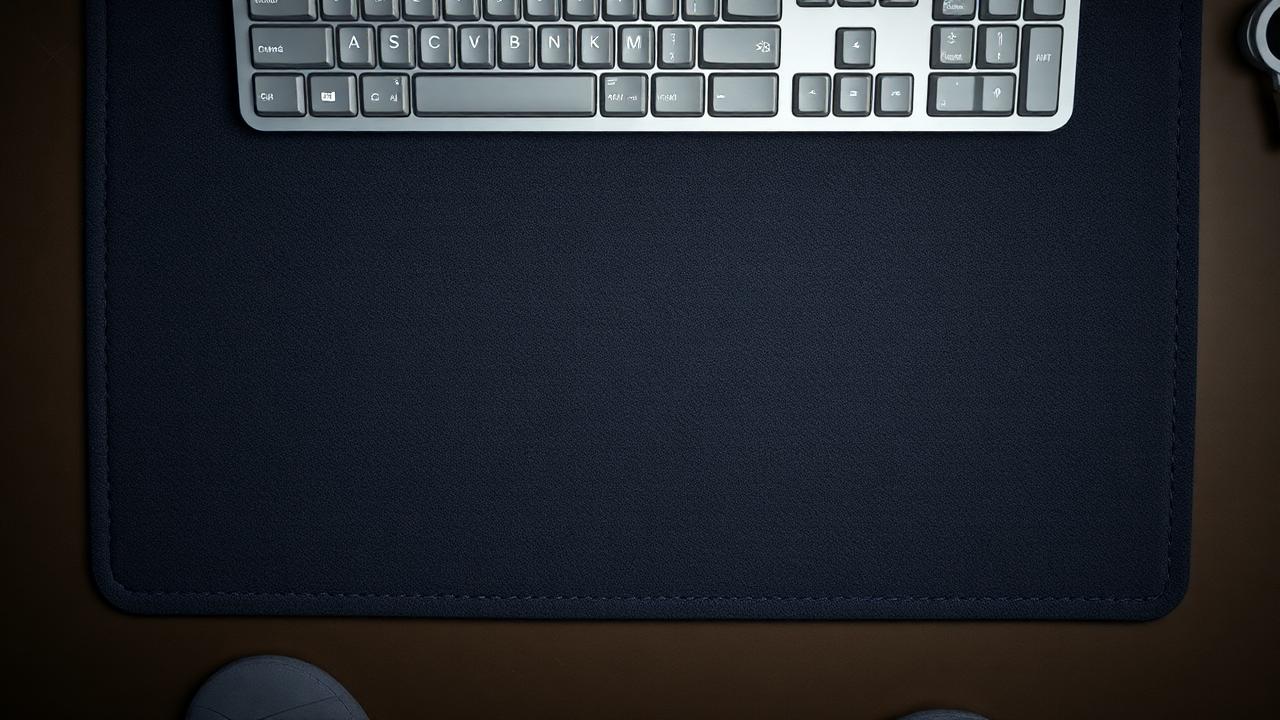
A desk mat interposes a compliant, lossy layer between the case feet and the desk panel. Thin cloth mats of a couple of millimetres do very little acoustically; they mainly protect the desk surface. Thicker mats with a rubber backing of four to five millimetres absorb a measurable amount of impact energy and reduce the desk's contribution noticeably, lowering perceived boominess and shortening decay.
Mats also absorb some airborne reflection from the desk surface itself, which matters more than people expect for boards with an open bottom or exposed PCB. The effect is easy to test: type a paragraph on the bare desk, then slide the mat under and repeat. If your board sounds significantly different, your desk was contributing heavily and further internal modifications will have less effect than fixing the coupling.
Feet, weights and case mass
Stock rubber feet vary enormously in quality. Cheap thin discs harden with age and transmit almost everything. Replacing them with thicker sorbothane or silicone bumpers of three to five millimetres is a five-minute job and reliably tightens the sound. Do not overdo it: very tall soft feet let the board rock slightly under typing, which feels unstable and is more annoying than any acoustic gain.
Case mass works in the same direction. A heavier case has a lower resonant frequency and moves less under impact, which is why brass weights are so common in aluminium boards. If your case has no weight, adding mass — even a strip of sheet metal or a dense foam and lead-free weight kit — lowers the pitch and shortens the ring. The trade-off is portability, which matters if your board travels between home and office.
Height, angle and comfort
The surface under the board is also an ergonomic variable. Adding a five-millimetre mat raises the whole keyboard, which slightly increases wrist extension. On a tall board this can push you past the comfortable range, and the effect compounds if the desk is already high. Typing angle matters more than height: most people are comfortable between zero and seven degrees, and the flip-out feet on many boards produce ten or more, which is a common hidden cause of wrist discomfort.
Test your own geometry rather than following advice. Sit normally, rest your hands on the home row, and look at your forearm and hand from the side. The line should be roughly straight, with the wrist neither bent up nor collapsed down. Our ergonomics calculator turns your desk height, chair height and board height into a recommended angle and tells you whether a wrist rest would help or make things worse.
An order of operations
Start with the free changes. Move the board to a different part of the desk and listen — the centre of a large unsupported panel radiates far more than a corner near a leg. Try it on a folded towel to hear the theoretical maximum improvement from decoupling; if the towel makes almost no difference, your desk is not the problem and you can stop here and move to internal modifications instead.
If the towel test is dramatic, buy a thick rubber-backed mat and soft feet before you buy foam. Then re-record and reassess. Only after the external coupling is under control does internal damping give predictable results, because until then you are tuning one system while a larger one dominates the output. Use the dampening calculator for the internal stage, and remember that each layer of material you add also raises the board slightly, which feeds back into the ergonomic geometry you just set.
Monitor the setup as a whole rather than the keyboard alone. A hollow desk that boomed under a heavy aluminium board may be perfectly fine under a light plastic one, and a mat that transformed one build can be inaudible under another. The interaction depends on how much energy the case passes downward, which changes every time you swap plate material, foam or feet. When a modification produces a surprising result, check the coupling again before assuming the internal change failed. Treating desk, mat, feet, case and plate as one chain rather than five independent products is what separates predictable tuning from expensive trial and error.